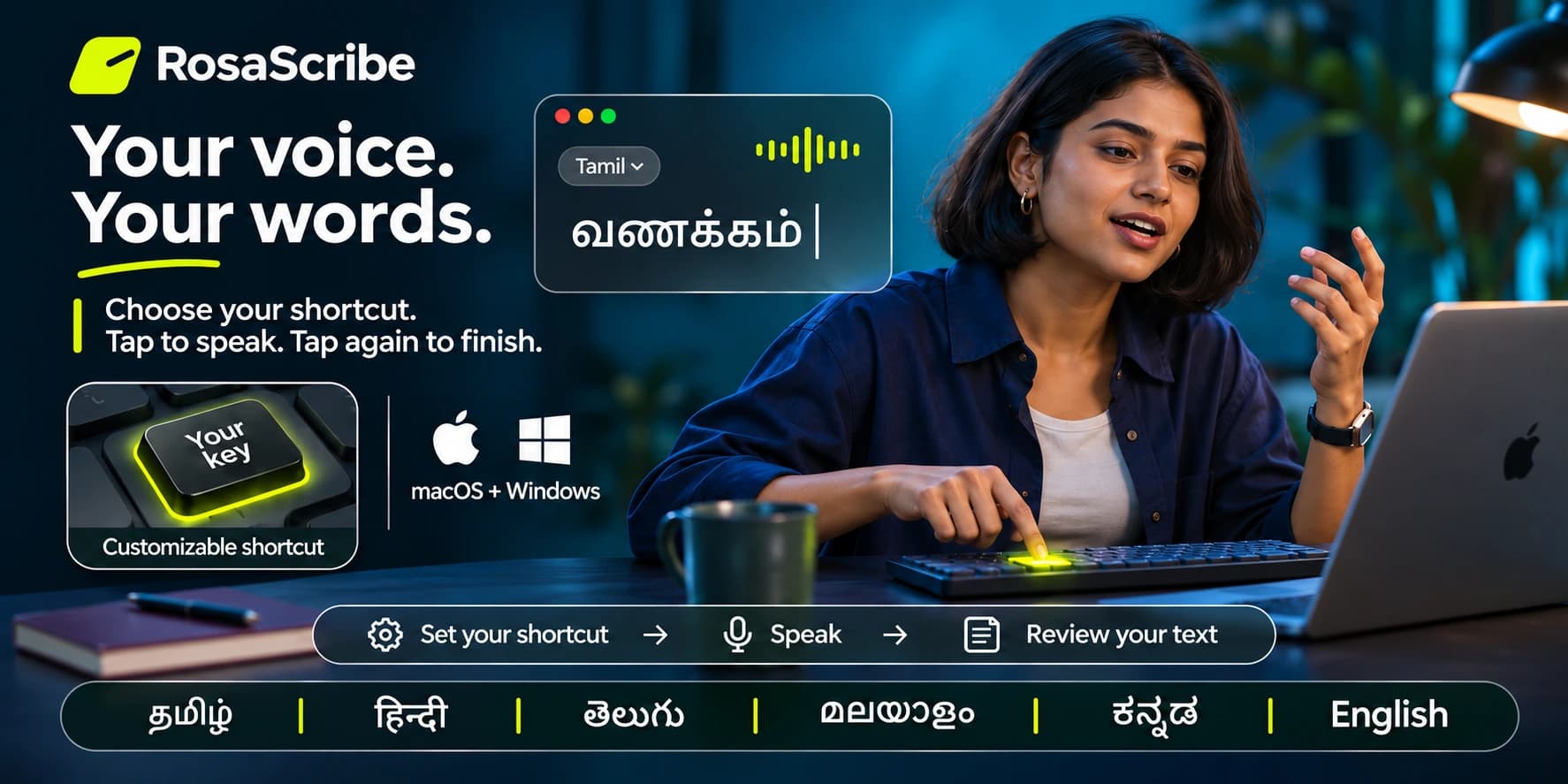
For Mac and Windows. Six Indian languages and English. Free to use, support is optional.
↗macOS / Windows
↗Local speech models
↗Microphone access
↗Customizable shortcut
Built around your workflow
Your voice. Your words. Your space.
Made for the moment a thought arrives faster than you can type. Naavil brings a shared local speech engine to a native Mac menu app and Windows tray app, with a small recording indicator that stays out of your way.
01
Speak in your language.
Naavil offers Tamil, English, Hindi, Malayalam, Telugu and Kannada, with manual or automatic language selection and native or English-mixed script. Recognition quality varies with the voice, recording and language. Accent and mixed-language support is still being refined.
02
Keep the workflow close.
Start and stop with a shortcut, then send the result to a focused editable field. The Mac default is Right Command; Windows uses Right Control — both can be changed to any key you like. Focus protection and manual-copy recovery help when a target cannot accept a paste. Compatibility with every app is not promised.
03
Process speech locally.
Speech recognition and punctuation run on your machine after the required models are available. Model access and an explicit download are part of first-run setup. Warm and low-memory modes let the app trade readiness for memory use.
Free to use
Love using Naavil?
Help improve language support and keep development going.
Buy me a coffee.
The app is free. Supporting is entirely optional.
One-time or monthlyYour choice, no subscription needed
USD and INRPay in the currency that suits you
Where it goesNew languages, device testing, updates
Download links for Mac and Windows will be published here with the release.
01
Install Naavil on your Mac or Windows machine.
02
Download the speech and punctuation models on first run.
03
Grant microphone and accessibility permissions, then choose your language.
04
Choose your shortcut. Tap to speak, tap again to finish — the words land in the field you’re working in.
Good to know
A few honest answers.
When can I download it?
Mac and Windows downloads will be published on this page at release. Contact Rosa Synthesiz if you’d like early access.
Does it work offline?
Naavil runs speech and punctuation inference locally with downloaded model files. Setup downloads the speech model once, after you agree to its licence. No account is needed.
What happens to recordings?
Normal successful audio is temporary. Failed recordings can remain in a session recovery slot until resolved; durable failed-audio retention is separately opt-in and defaults off. Optional history and calibration can also retain data when enabled. Forced termination may leave a temporary file until the operating system cleans it up.
What hardware do I need?
Minimum RAM, OS and GPU requirements will be published with the release. Contact us about your intended setup if you’re planning ahead.
Is the recording indicator a live demo?
The illustration on this page is concept UI. It does not record your microphone or produce live transcription. Naavil supports bounded recordings, not unlimited streaming.